Subtitles for YouTube Shorts
Shorts are the one short-form platform where you have a real choice: burn the subtitles into the picture, or upload a subtitle file YouTube can read. Viten does both from the same transcript.
Free to start · no watermark on any export
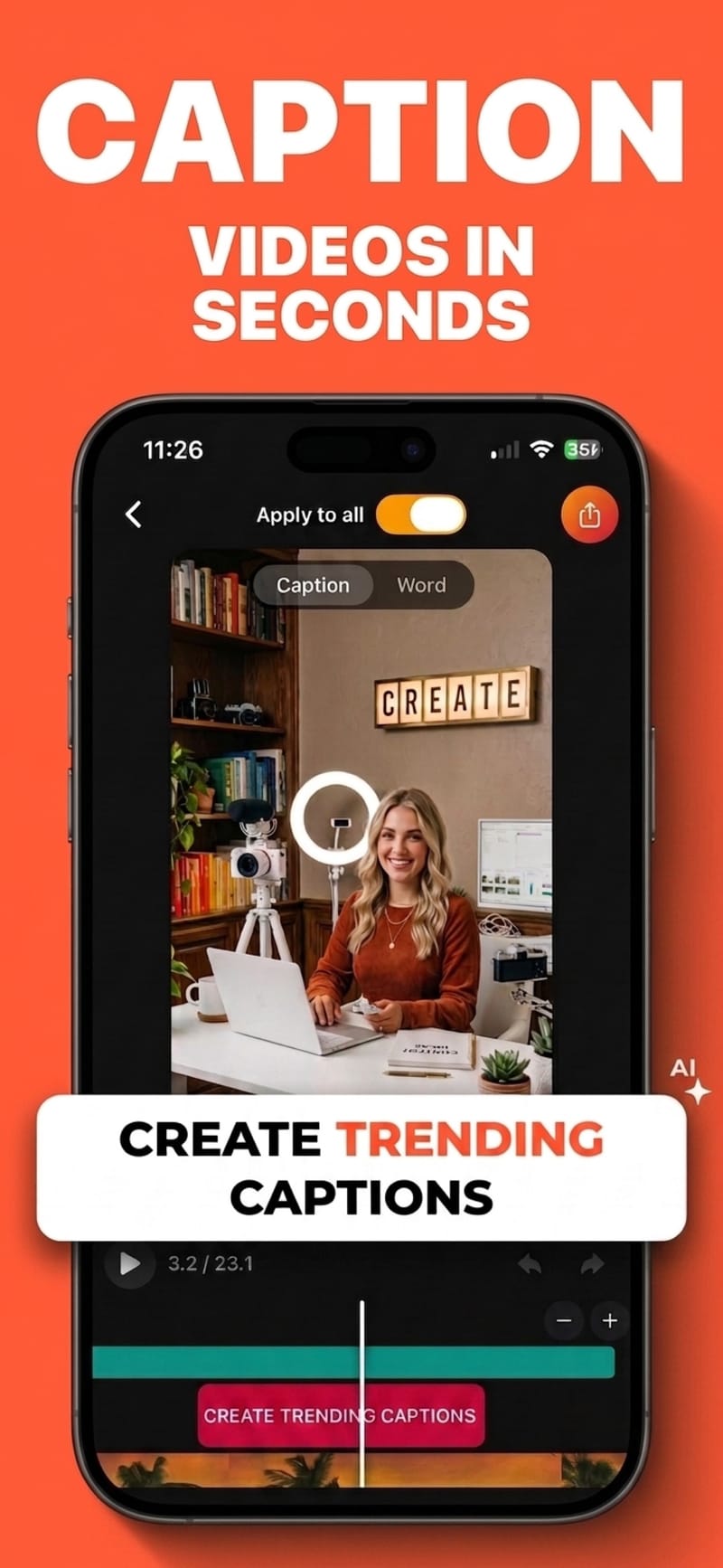
How to do it
- 1
Import the video
From your camera roll, or recorded in the app.
- 2
Transcribe once
Speech is transcribed with per-word timing.
- 3
Burn in, or export SRT
Export the video with styled subtitles, or export a subtitle file to upload alongside it.
Burned-in and uploaded subtitles do different jobs
Burned-in text is visible instantly to a muted, scrolling viewer — that is what holds attention. An uploaded SRT is machine-readable, so YouTube can index the words, offer them for translation, and serve them to viewers using assistive technology. They are not alternatives so much as a pair.
Doing both from one transcript
Transcribe once, then export the styled video and the SRT from the same timing data. The uploaded file matches what is on screen instead of drifting from it.
Searchable text is a real advantage on YouTube
Unlike the other short-form platforms, YouTube is a search engine. Subtitles you upload become text associated with the video — which is worth more here than anywhere else you post.
Shorts have their own safe zone
YouTube draws its title, channel handle and action buttons over the frame. The Shorts safe-zone preset shows those regions while you position the subtitles.
Questions
Should I burn subtitles in or upload an SRT for Shorts?
Do both if you can. Burned-in subtitles are what a scrolling muted viewer sees; an uploaded SRT is what YouTube can index and translate. If you only do one, burn them in — retention comes first.
How do I upload a subtitle file to a Short?
In YouTube Studio, open the video, go to Subtitles, and upload the .srt file. Viten exports a standard SRT that YouTube accepts without conversion.
Does YouTube not caption automatically?
It generates automatic captions, but they are unstyled, invisible unless a viewer turns them on, and vary in accuracy. That covers accessibility; it does not put readable words on screen for a muted scroller.
Is SRT export free?
Subtitle-file export is a Pro feature. Auto-captions with burned-in export at 720p are available on the free tier.
Try it on your next video
Free to start, and nothing you export carries a watermark.