Clean audio
Take the room out of your recording
Most short-form video is shot wherever you happen to be — a kitchen, a car, a street. Viten separates the voice track from everything around it, so what people hear is you rather than the air conditioning.
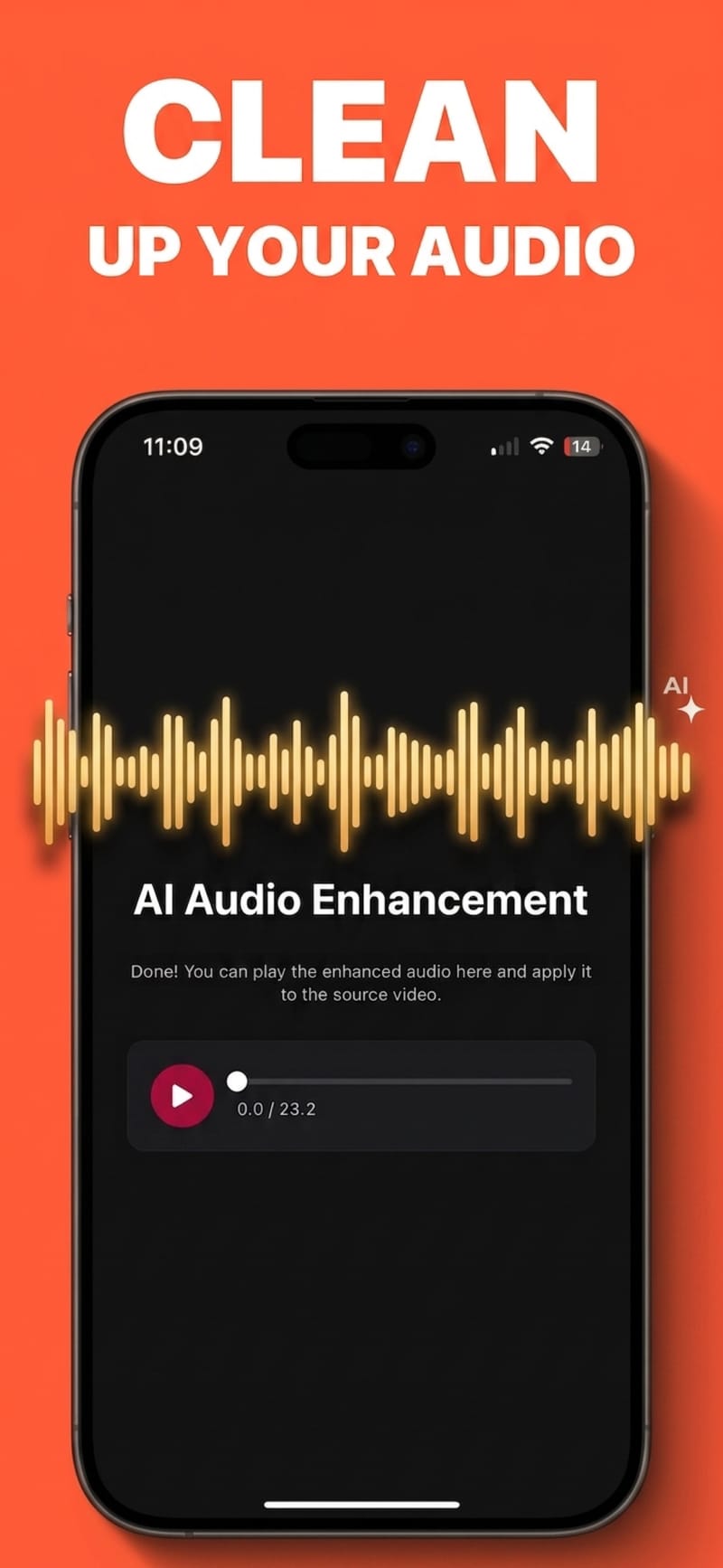
How it works
- 1
Load the clip
Use a video you have already imported, or the audio from a take you just recorded.
- 2
Run the clean-up
The voice is separated from background sound rather than filtered by a fixed threshold, so quiet speech survives the process.
- 3
Compare and keep
Listen back against the original before you commit, and keep whichever version sounds right.
Separation, not a noise gate
A gate cuts everything below a volume threshold, which chops the start of quiet words. Separating the voice from the background keeps the speech intact and removes the noise underneath it.
Handles the usual offenders
Constant hum, traffic, wind, keyboard clatter and room echo are what it is built for. It is not a rescue tool for a recording where the voice is already buried.
Better audio means better captions
Transcription accuracy tracks audio clarity closely. Cleaning the audio before captioning usually costs you one extra step and saves several manual word fixes.
Also fixes filler and dead air
Separately from noise removal, Viten can strip filler words and long pauses, which tightens a rambling take without you cutting it by hand.
Questions
Will it fix any bad recording?
No. It works well when the voice is clearly present under the noise. If the speaker is distant, heavily clipped, or drowned out, no processing will reconstruct what was not captured.
Does it remove music too?
It isolates speech, so background music will be reduced along with other non-voice sound. If you want music under your voice, add it after the clean-up rather than before.
Is audio clean-up free?
Audio clean-up is a Pro feature with a daily allowance and a length limit per clip. Captioning and 720p export are available on the free tier.
Does it work on audio-only files?
The tool is built around the audio attached to your video project, which is where it matters for short-form.
Try it on your next video
Free to start, and no watermark on any export.