Auto-caption your video
Point Viten at a clip and it writes the captions for you — transcribed, timed to each word, and styled to hold attention. What used to be twenty minutes of typing and nudging keyframes is now one step.
Free to start · no watermark on any export
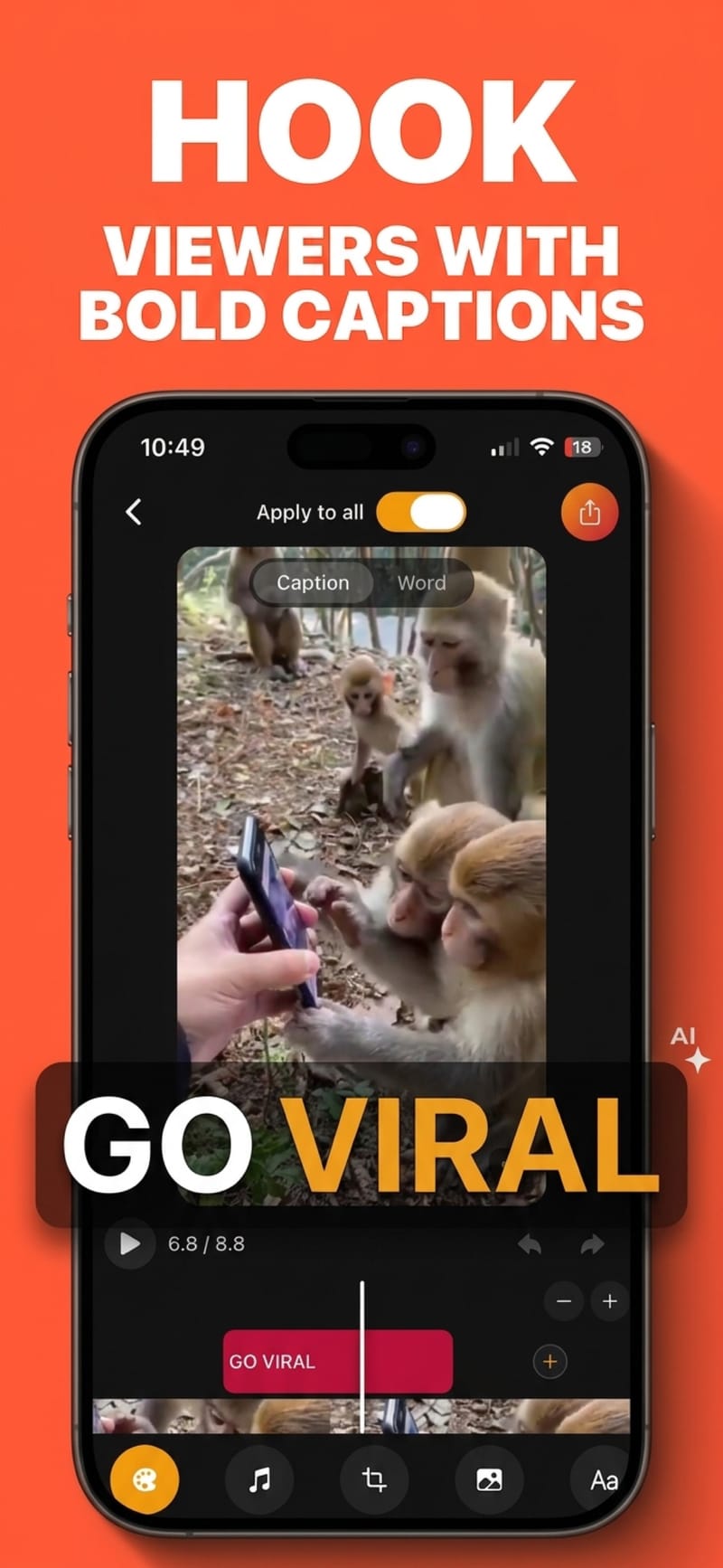
How to do it
- 1
Add a clip
From your camera roll, or recorded in the app with the teleprompter.
- 2
Captions write themselves
Speech is transcribed automatically, with per-word timestamps.
- 3
Pick a look and export
29 presets, or set every detail yourself, then export.
Why captions matter more than they used to
Short-form video is largely watched with the sound off, in public, at speed. Captions are how most of your audience actually receives the words — which makes them part of the edit, not an accessibility afterthought.
Automatic does not mean uneditable
The transcript is fully editable, so you fix the two words it misheard rather than typing all two hundred. Grouping, casing and line length are all adjustable after the fact.
Styled to the platform
Safe-zone guides show where each platform draws its own interface, so your captions do not end up behind a username or a share button when the video goes live.
Works on the video you already shot
Nothing has to be re-recorded, and captions can be added to a clip you filmed months ago just as easily as one from this morning.
Questions
How accurate is automatic captioning?
High for clear speech in a quiet room, lower with heavy background noise, overlapping speakers or unusual proper nouns. Everything is editable, and running audio clean-up first noticeably improves accuracy on noisy recordings.
How long does it take?
Transcription of a short clip typically takes seconds. Export time depends on your device and the length of the video, because the render happens locally.
Is auto-captioning free?
The free tier covers 5 captioned videos a month at up to 60 seconds each, and 5 exports a month in 720p. Pro removes the monthly limits, raises the length cap and unlocks 1080p and 4K.
Can I change the caption style after they are generated?
Yes. Captions and styling are independent — swap between the 29 presets or adjust font, colours, shadow, case, position and animation at any point before export.
Does it work for languages other than English?
Yes, 99 languages with automatic detection.
Try it on your next video
Free to start, and nothing you export carries a watermark.