Auto captions
Captions timed to every word
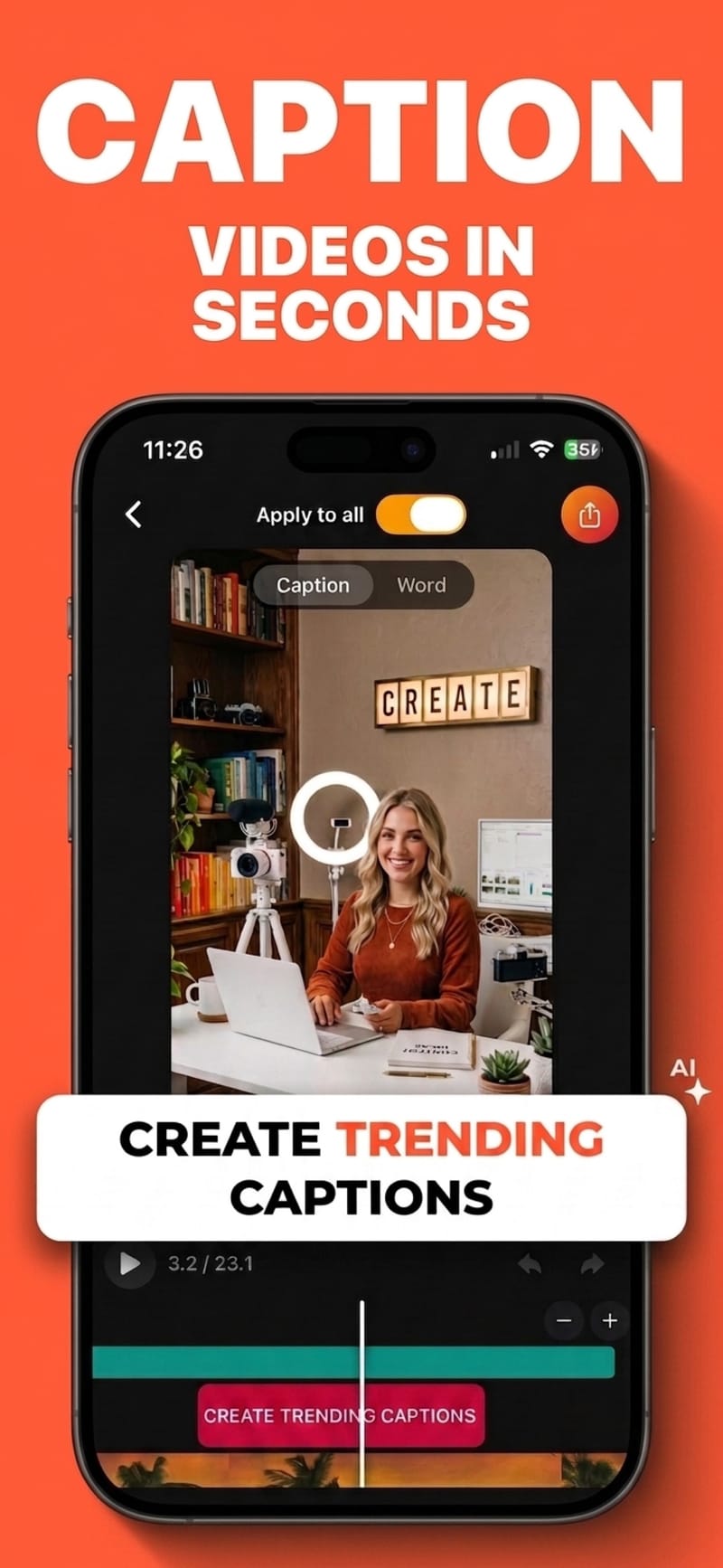
Pick a clip, and Viten transcribes it with word-level timing in 99 languages. You get subtitles that highlight one word at a time in step with the speaker — not a block of text that lags behind.
How it works
- 1
Pick a video
Import from your camera roll or record straight into the app. Language detection is automatic, so you can skip choosing one.
- 2
Captions appear
Transcription runs on a server and comes back with a timestamp for every individual word, not just each line.
- 3
Style and export
Change the font, colours and animation, then burn the captions into the video. 720p export is free and never watermarked.
Word-level timing, not line-level
Every word carries its own start and end time. That is what makes the highlight land on the beat — line-level timing can only approximate it, and the drift is obvious on fast speech.
Fix a word without redoing the video
Transcription is very good, not perfect. Names, slang and acronyms are editable inline, and the timing of the surrounding words stays intact when you change one.
20 fonts, styled per word
Set a base colour and a highlight colour, add a shadow or an outline, choose upper or sentence case, and pick a fade, pop or karaoke animation. Presets get you there in one tap.
Built for vertical first
Safe-zone overlays show where each platform puts its own buttons, so captions never end up hidden behind a share icon or a username.
Questions
How accurate are the captions?
Accuracy is high for clear speech, and lower for heavy background noise, crosstalk or unusual proper nouns. Anything wrong is editable by tapping the word, and you can run the audio through the clean-up tool first if the recording is noisy.
Which languages are supported?
Auto-captions cover 99 languages with automatic detection. Captions are produced in the language that was spoken.
How long can my video be?
Free auto-captions cover videos up to 60 seconds, 5 videos a month. Pro raises the length limit and removes the monthly cap.
Is there a watermark on the export?
No. Exports are never watermarked, on the free tier or on Pro. Free exports are 720p, 5 a month, and supported by a short ad; Pro unlocks unlimited exports in 1080p and 4K.
Can I get a subtitle file instead of burned-in captions?
Yes — Viten can export an SRT file for YouTube or a desktop editor instead of burning the captions into the picture.
Try it on your next video
Free to start, and no watermark on any export.