Add subtitles to a video
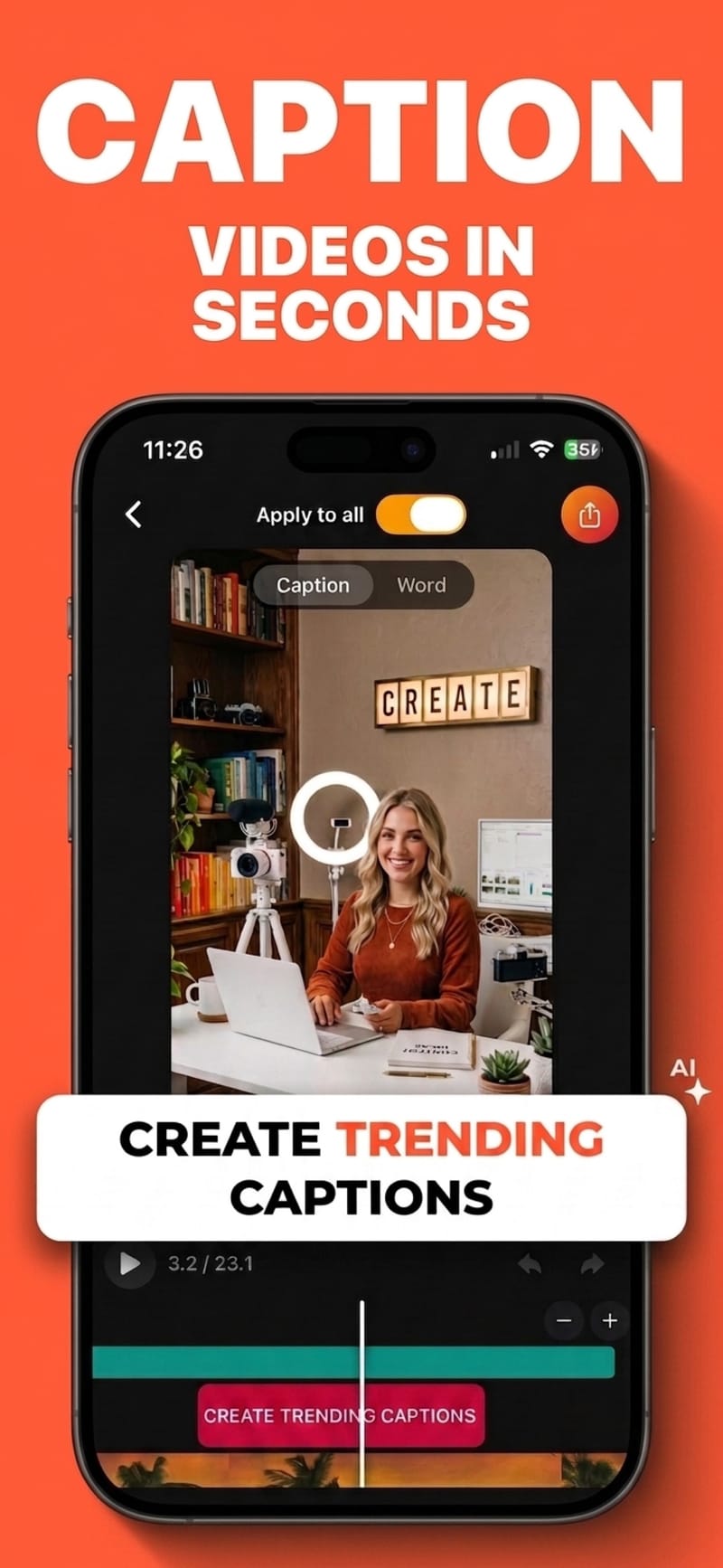
Import a clip and Viten transcribes it, times every word, and lays styled subtitles over the picture. No desktop editor, nothing to learn before your first video, and nothing you export carries a watermark.
Free to start · no watermark on any export
How to do it
- 1
Import your video
Pick a clip from your camera roll or record one in the app. Language detection is automatic.
- 2
Subtitles are generated
Speech is transcribed with a start and end time for every individual word, across 99 languages.
- 3
Style, then export
Choose a preset or set your own font, colours and animation, then export with the subtitles burned in.
Burned in, or as a separate file
Burning subtitles into the picture is right for TikTok, Reels and Shorts, where most viewing is sound-off and there is no way to attach a subtitle file. For YouTube or a desktop editor, export an SRT instead and keep the text separate from the video.
Word-level timing is what sells it
Subtitles that reveal a word at a time in step with the speaker read as deliberate; a whole line appearing at once reads as an afterthought. That needs per-word timestamps, which is what the transcription produces.
Fix the words it gets wrong
Names, slang and acronyms are where automatic transcription slips. Tap a word to correct it and the timing of everything around it stays put.
Nothing to pay to try it
Free covers 5 captioned videos a month at up to 60 seconds each, and 5 exports a month at 720p, supported by a short ad. No watermark appears at any tier.
Questions
Can I add subtitles to a video for free?
Yes. On the free tier Viten captions 5 videos a month at up to 60 seconds each, and exports 5 videos a month at 720p, supported by a short ad. There is no watermark on free exports.
How do I add subtitles without a computer?
Everything runs on your phone — import, transcription, styling and export. The export itself is processed on the device rather than uploaded.
What is the difference between subtitles and captions?
In everyday use they are interchangeable for this purpose. Strictly, subtitles assume you can hear and just need the words, while captions also describe relevant non-speech audio for viewers who cannot. What Viten generates is the dialogue text.
Which languages are supported?
99 languages, with automatic detection, so you rarely need to set one. Subtitles are produced in the language that was spoken.
Will the subtitles be in sync?
Timing comes from the audio itself, per word, so they track the speech rather than being spaced evenly. If a recording is noisy, running audio clean-up first improves both accuracy and timing.
Can I add subtitles to a video I did not record?
Yes, any video in your camera roll works. Make sure you have the right to caption and republish it.
Try it on your next video
Free to start, and nothing you export carries a watermark.