Teleprompter
Read your script without looking away from the lens
Your script scrolls over the camera preview while you record, so your eyes stay where the audience is. When you stop, the take is already a project — ready to trim, caption and export.
How it works
- 1
Paste your script
Write it in the app or paste it in. Set the text size and scroll speed to match how fast you actually talk.
- 2
Record
The script scrolls over the preview while the camera runs, positioned close to the lens so your eyeline stays natural.
- 3
Trim and caption
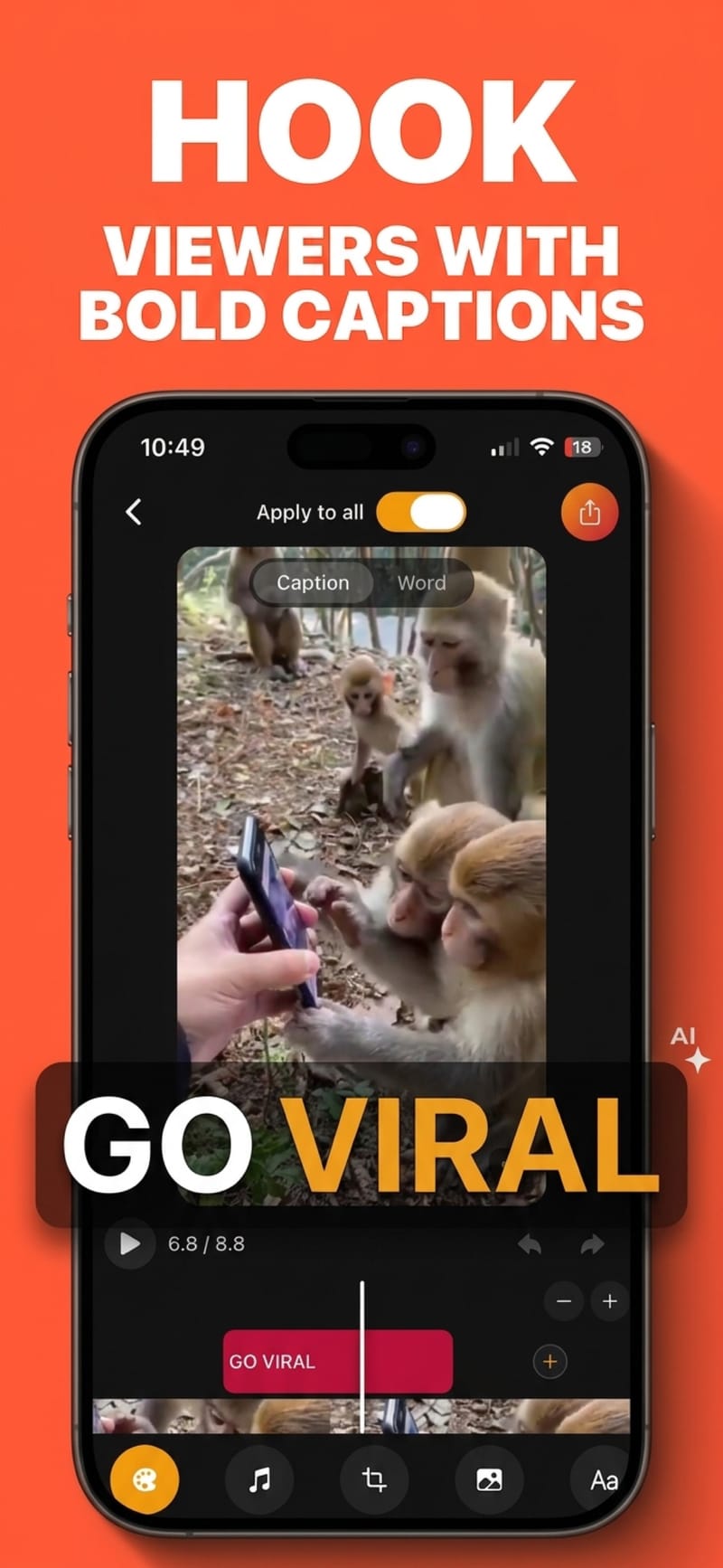
The take lands in your projects, where you can cut the top and tail and run auto-captions over it.
Eyeline is the whole point
Reading off a second device pulls your eyes off-axis, and viewers notice it even when they cannot name it. Overlaying the script on the preview keeps you looking at the lens.
Speed set by you, not by a guess
Scroll speed and text size are adjustable before and during the take, so you are not chasing the script or waiting on it.
One app, one take
Script, record, trim, caption and export happen in the same place — no exporting to the camera roll between steps and losing quality each time.
Pairs with AI voiceover
If a take is not working, the same script can be handed to a generated voice instead, and captioned identically.
Questions
Is the teleprompter free?
Yes. Recording with the teleprompter is available on the free tier, along with trimming, styling and 720p export.
Does the script appear in the recorded video?
No. The script is an on-screen overlay for you while recording; it is not part of the captured footage.
Can I use the front and back camera?
Yes, and the teleprompter overlay works with either.
Can I caption the take afterwards?
Yes. The recording becomes a project like any imported video, so auto-captions, styling and export all apply to it.
Try it on your next video
Free to start, and no watermark on any export.