Captions for Instagram Reels
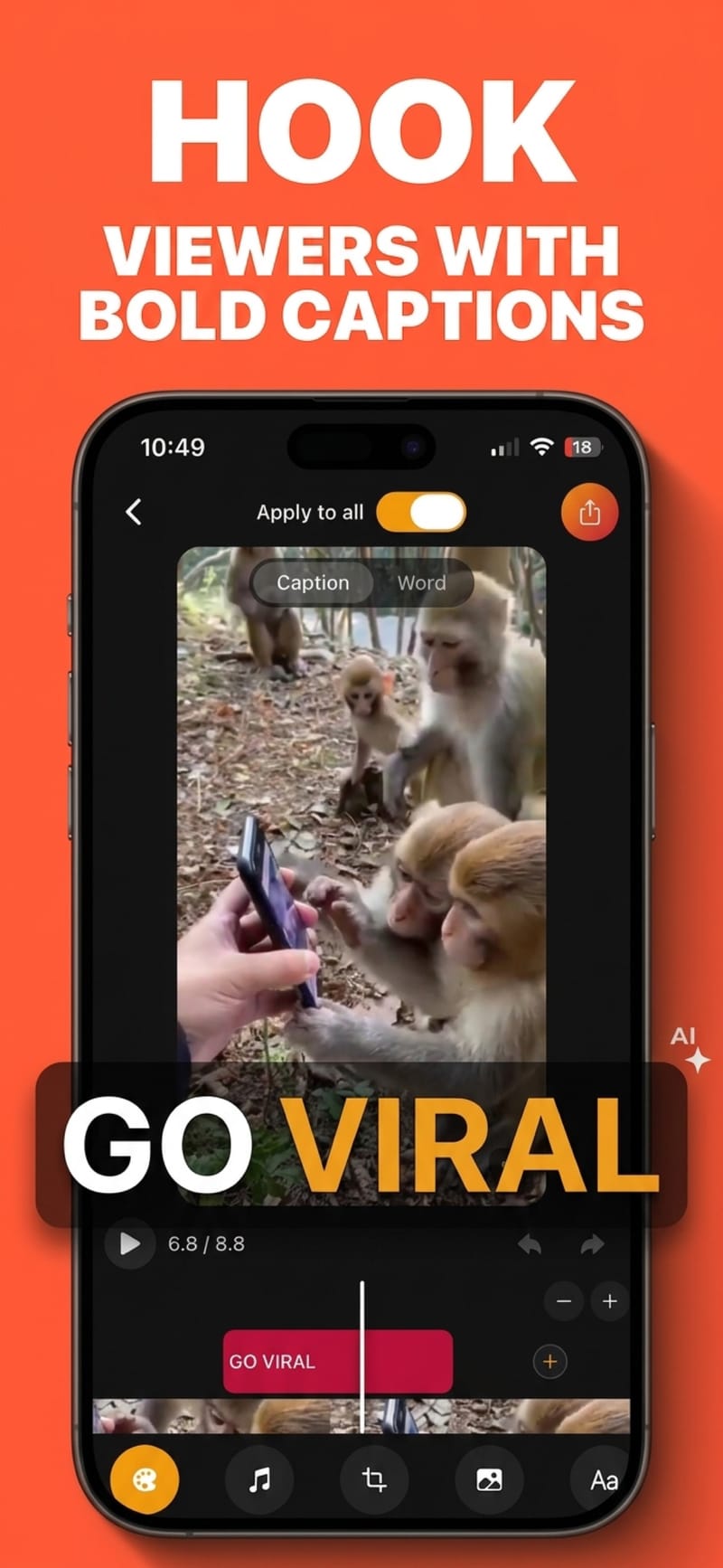
Reels are watched fast and usually muted. Viten transcribes your clip, animates the captions word by word, and keeps them clear of the interface Instagram draws over your video.
Free to start · no watermark on any export
How to do it
- 1
Bring in your clip
From your camera roll, or recorded in the app.
- 2
Captions appear
Transcribed automatically with a timestamp on every word.
- 3
Style and export
Start from one of 29 presets, position inside the safe zone, export.
Burned in beats the built-in option
Instagram can generate captions inside the app, but the styling is fixed and they only exist within Instagram. Captions burned into the file travel with the video, so the same export works on Reels, TikTok and Shorts without redoing anything.
Instagram covers different edges than TikTok
Reels place their own text and controls in slightly different places. Viten has a separate Reels safe-zone preset rather than reusing the TikTok one, so the guide reflects where Instagram actually draws.
Vertical, square or 4:5
Reels are 9:16, but the same footage often needs 4:5 for the feed and 1:1 elsewhere. Reframe between them and reposition the captions without re-exporting from scratch.
The first second decides everything
A caption that is already on screen when the video starts gives someone a reason to stay. Setting the opening line as a hook and styling it larger is a one-minute change with an outsized effect.
Questions
Do captions help Reels reach more people?
They help retention, which is what the ranking actually responds to. A muted viewer who can read the first line is far likelier to watch on than one looking at silent lips. Treat it as a watch-time improvement rather than a ranking trick.
Should captions be burned in or added in Instagram?
Burn them in if the video will be posted anywhere else, or if you want control over the font and animation. Use the built-in option if the video is Instagram-only and the default look is fine.
What size should Reels captions be?
Large enough to read at a glance on a phone — as a rule, four to six words on screen at once. Viten lets you set words per line directly, so you can tune it to your pacing.
Is there a watermark?
No, on any tier. Free exports are 720p and supported by a short ad, and come out unbranded.
Try it on your next video
Free to start, and nothing you export carries a watermark.