Caption
Auto-captions that actually sync
Upload a clip and get word-level subtitles in 99 languages. Every word is timed individually, so highlights land on the beat instead of drifting a syllable behind.
Learn more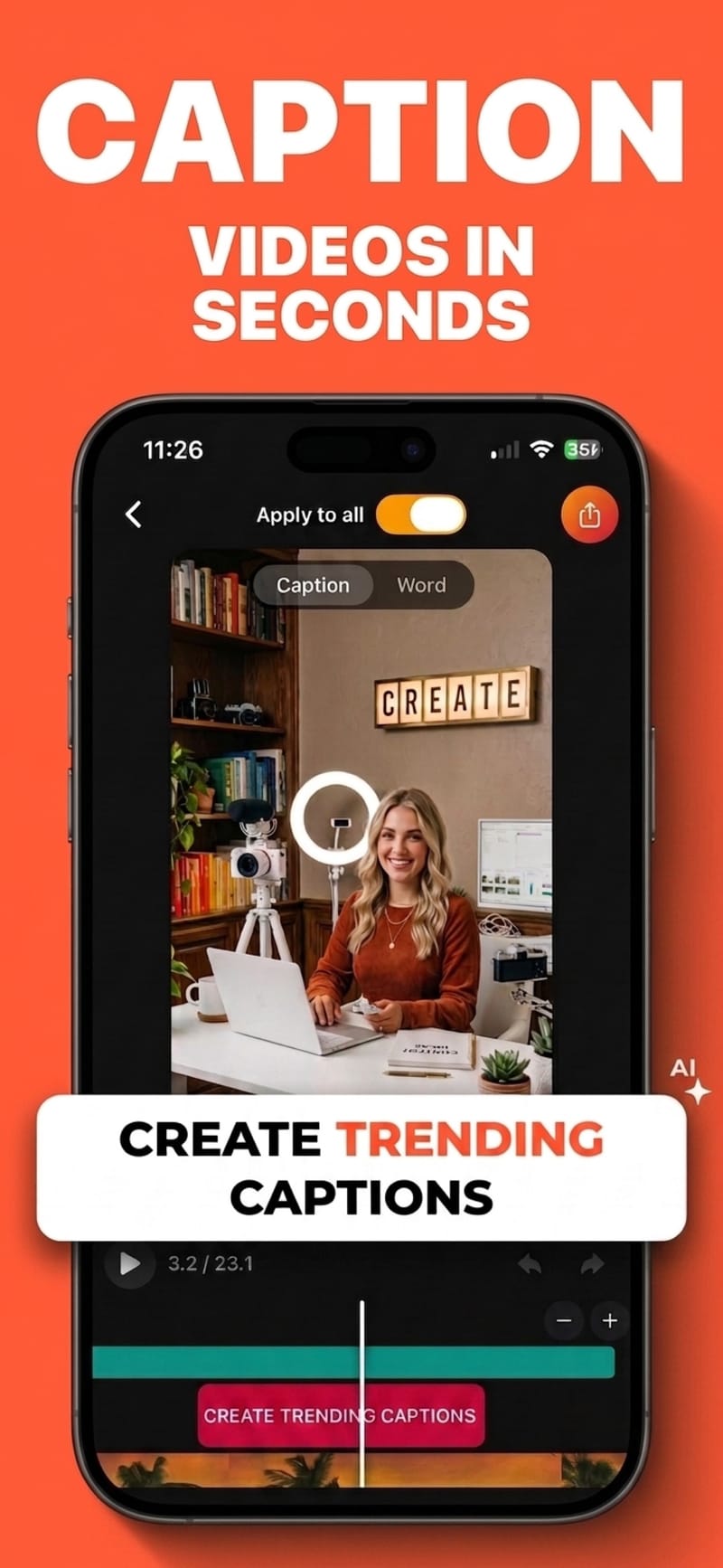
Captions · Voiceover · Clean audio
Viten is an AI captioning and video-editing app for iPhone and Android. It writes bold, animated subtitles in 99 languages, adds AI voiceover, cleans up noisy audio, and exports without a watermark.
Free to start · 720p export with no watermark · iPhone & Android
Caption
Upload a clip and get word-level subtitles in 99 languages. Every word is timed individually, so highlights land on the beat instead of drifting a syllable behind.
Learn moreHook
29 presets and 20 fonts, with per-word highlight colours, shadows, curved text and entrance animations that bring captions in word by word or line by line. Change one word's colour without touching the rest.
Learn more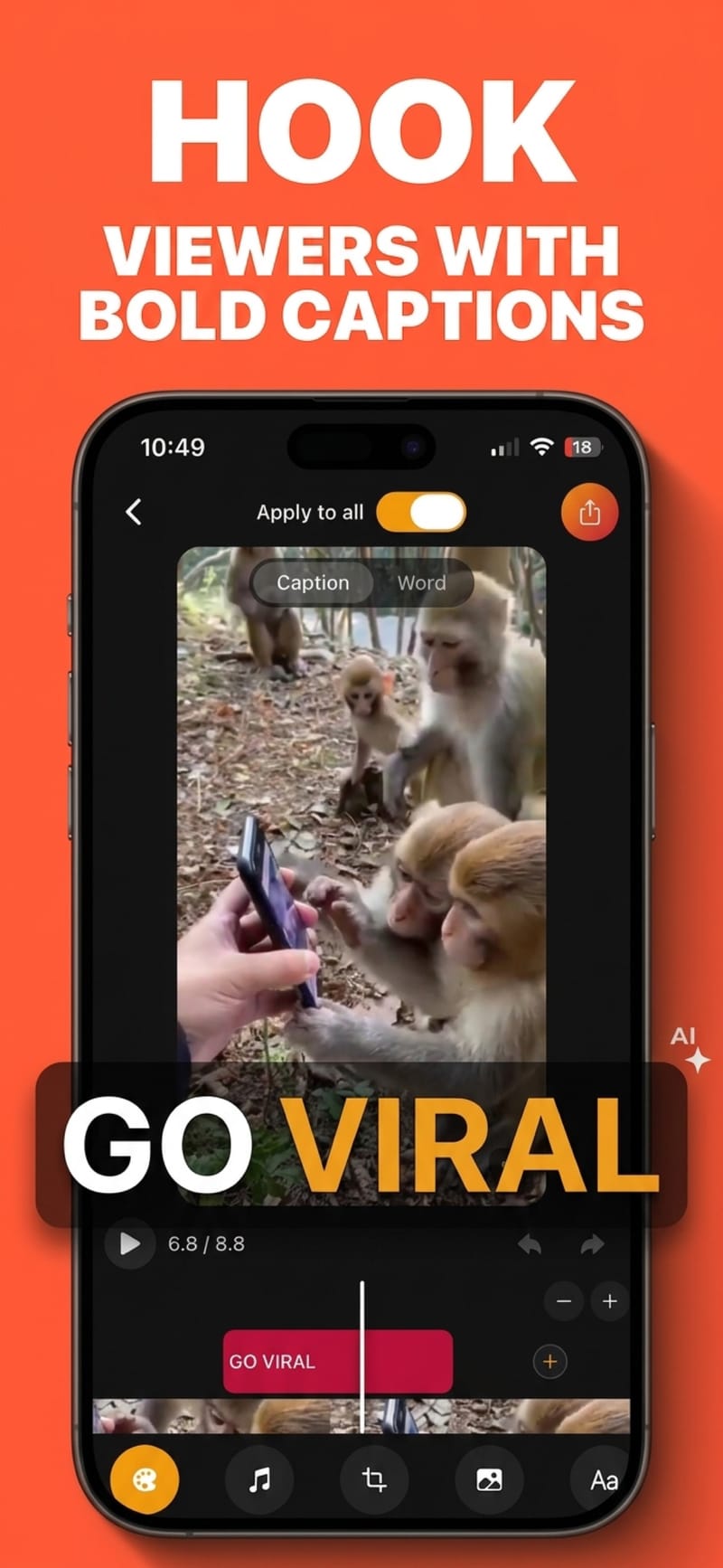
Generate
17 voices with adjustable emotional delivery. Write or paste a script and get a clean read you can drop straight onto the timeline — useful when you don't want to be on camera.
Learn more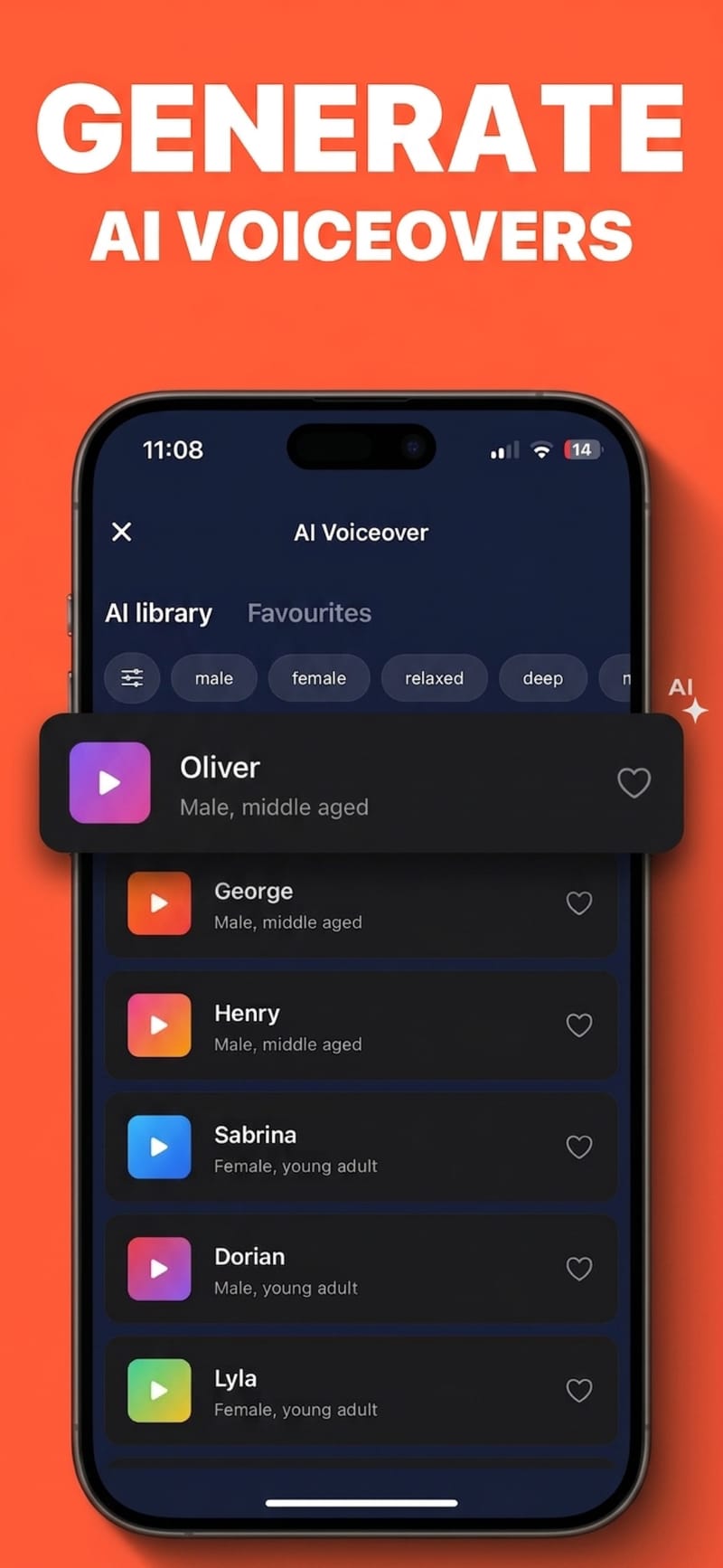
Clean
Background hum, traffic, air conditioning and echo get separated from the voice track, so a phone recording in a kitchen sounds like it was recorded somewhere quieter.
Learn more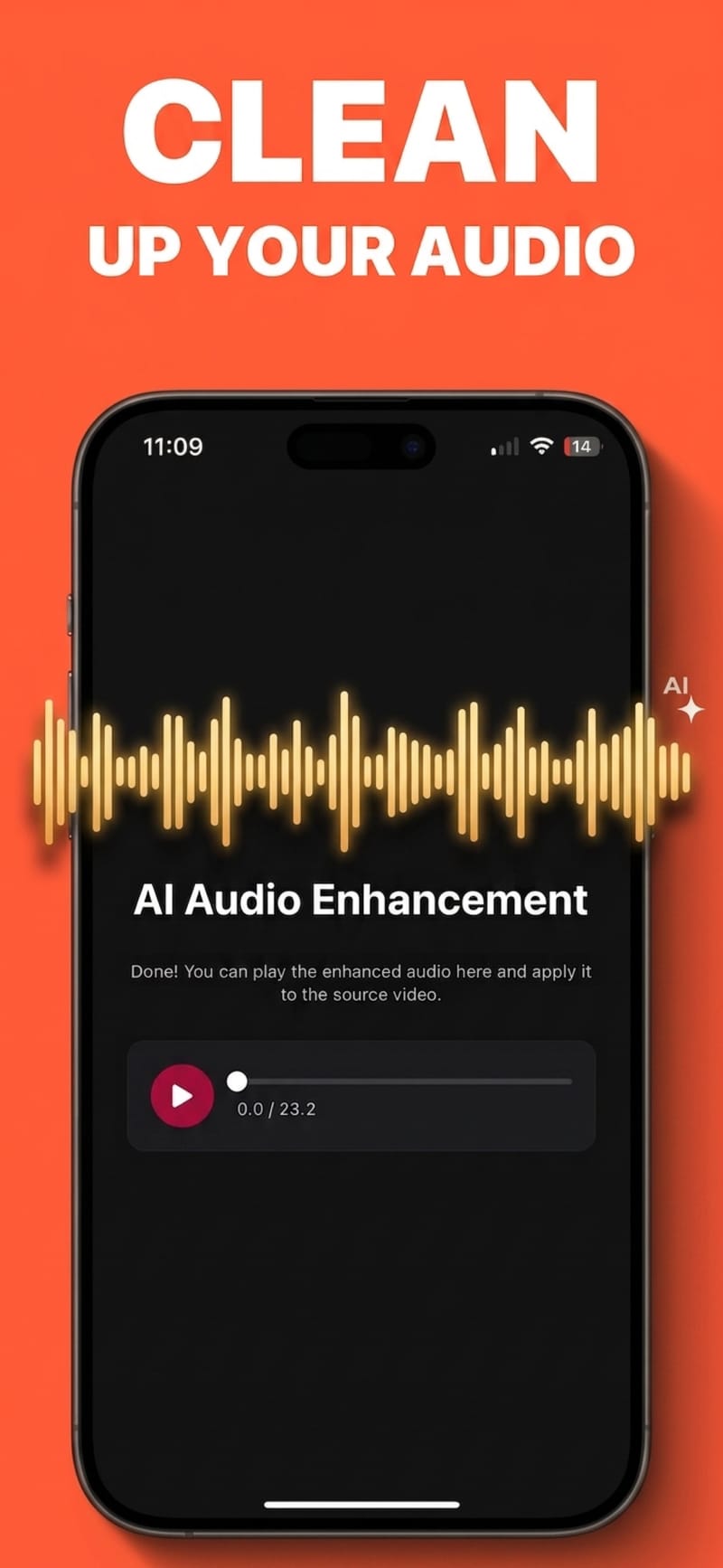
Resize
Reframe to 9:16, 1:1, 4:5 or 16:9 with safe-zone overlays showing exactly where each platform puts its own buttons, so your captions never land under a UI element.
Learn more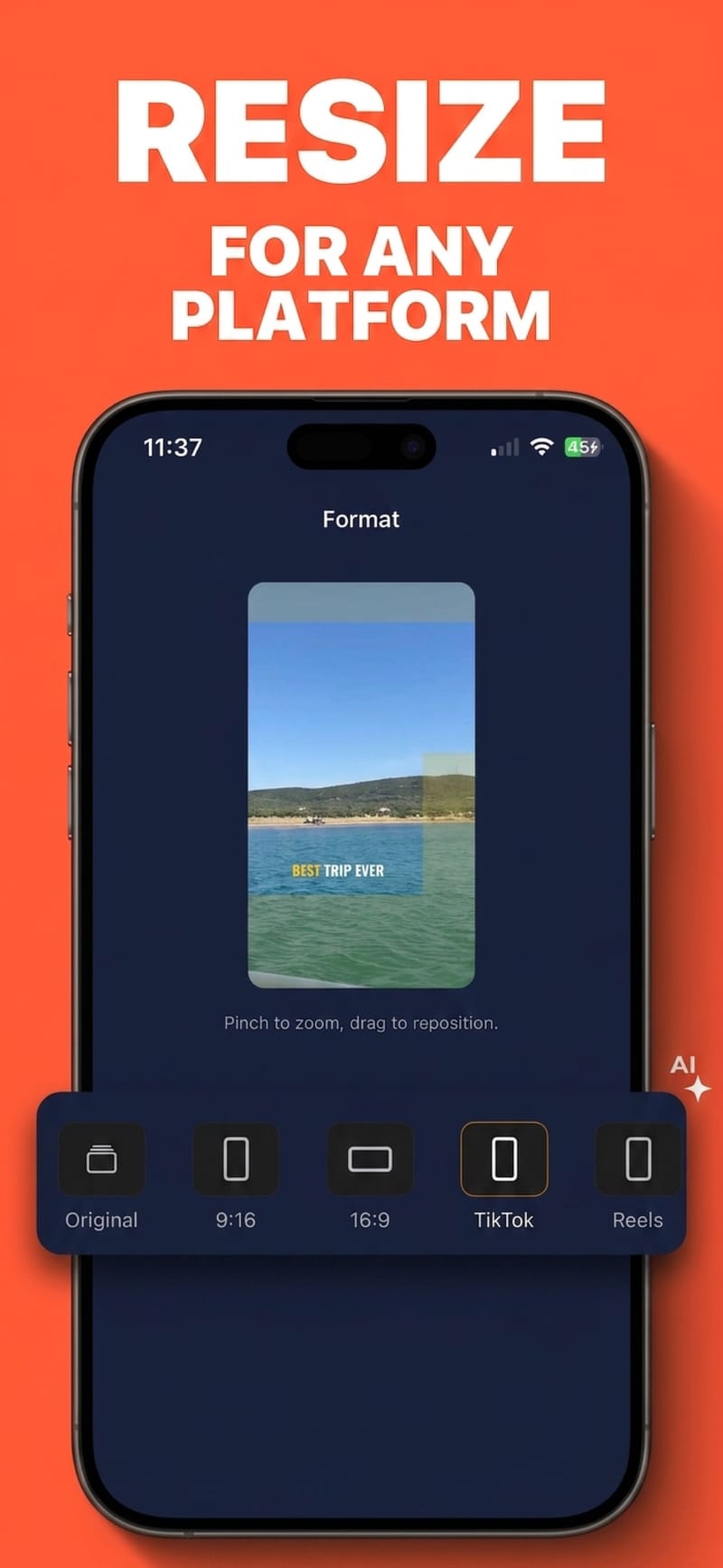
Everything below sits on the same timeline as your captions, so a text hook, a logo and a sound effect can all land on the same frame.
Join several clips into one video, then split, trim and reorder them on the timeline. Captions follow the cuts, so nothing ends up stacked or orphaned.
Save a style you have tuned as a preset, and star favourites so the looks you reuse are one tap away.
Free-standing text you place and time yourself — a hook over the opening seconds, a label, an end card. Separate from your captions.
Drop in a logo, screenshot or sticker from your camera roll. Drag, pinch and rotate it, and show it only for the stretch you choose.
Applause, laugh tracks, camera shutters, keyboard typing — built in and free, plus any audio you import yourself.
Record to camera with your script scrolling over the lens, so your eyeline stays where the audience is.
Export a standard SRT for YouTube or a desktop editor, instead of burning the captions into the picture.
Convert between SRT, VTT and plain text, or fix subtitle timing — no upload, no account, nothing to install.
Yes — you can caption videos and export in 720p for free. Free auto-captions cover 5 videos a month at up to 60 seconds each, and free covers 5 exports a month, supported by a short ad. Pro removes the monthly limits, raises the length cap, and unlocks 1080p and 4K export.
No. Exports never carry a Viten watermark, on the free tier or on Pro.
Auto-captions cover 99 languages, with automatic language detection so you usually don't have to pick one. AI voiceover reads 35 of them.
Yes. Viten can generate an SRT file you can upload to YouTube or open in a desktop editor, as an alternative to burning captions into the video.
Editing, styling and export run on your device. Auto-captions, AI voiceover and audio clean-up need a connection because they run on a server.
Free to start, no watermark on any export, and nothing to learn before your first video.